Build your first research team
Choose specialists, review their limits, and give one clear setup file to your AI assistant.

Why use a team instead of one agent?
A single AI conversation can mix evidence review, scientific judgment, editing, and execution. That makes it hard to see which kind of advice you are receiving.
ResearchCord gives each specialist a defined job and explicit limits. You can compare their advice, resolve disagreement, and decide what happens next.
Specialists recommend. You decide. Your assistant acts only after the decision is clear.
Choose the closest starting point
You do not need to design a team from scratch. Pick the project type that is closest to your work, then change only what is wrong.
Write or finish a paper.Review who is on the team
A useful team is not the largest team. Keep the specialists who have a distinct job in this project.
Preview the team, then create the handoff
Use Preview team file to check the roles and limits. When the team looks right, choose the handoff that fits how you work.
Copy a sharing link
Send the link to your AI assistant or collaborator. The link contains the team configuration and setup instructions.
Download the team file
Save SKILL.md. In Claude Code, place it at ~/.claude/skills/project-name/SKILL.md. In another assistant, attach or point to the file.
Ask one question with clear boundaries
Name the specialists you want, the decision you need to make, and what must wait until you approve it.
Ask the Biostatistician and Clinical Expert whether our primary outcome analysis supports the conclusion.

Return their advice separately. Flag any disagreement or uncertainty. Do not edit the manuscript until I decide what to accept.
Compare the advice and make the call
Read the recommendations, ask follow-up questions, and record what you accept, reject, or modify. Only then ask the appropriate role to execute the decision.
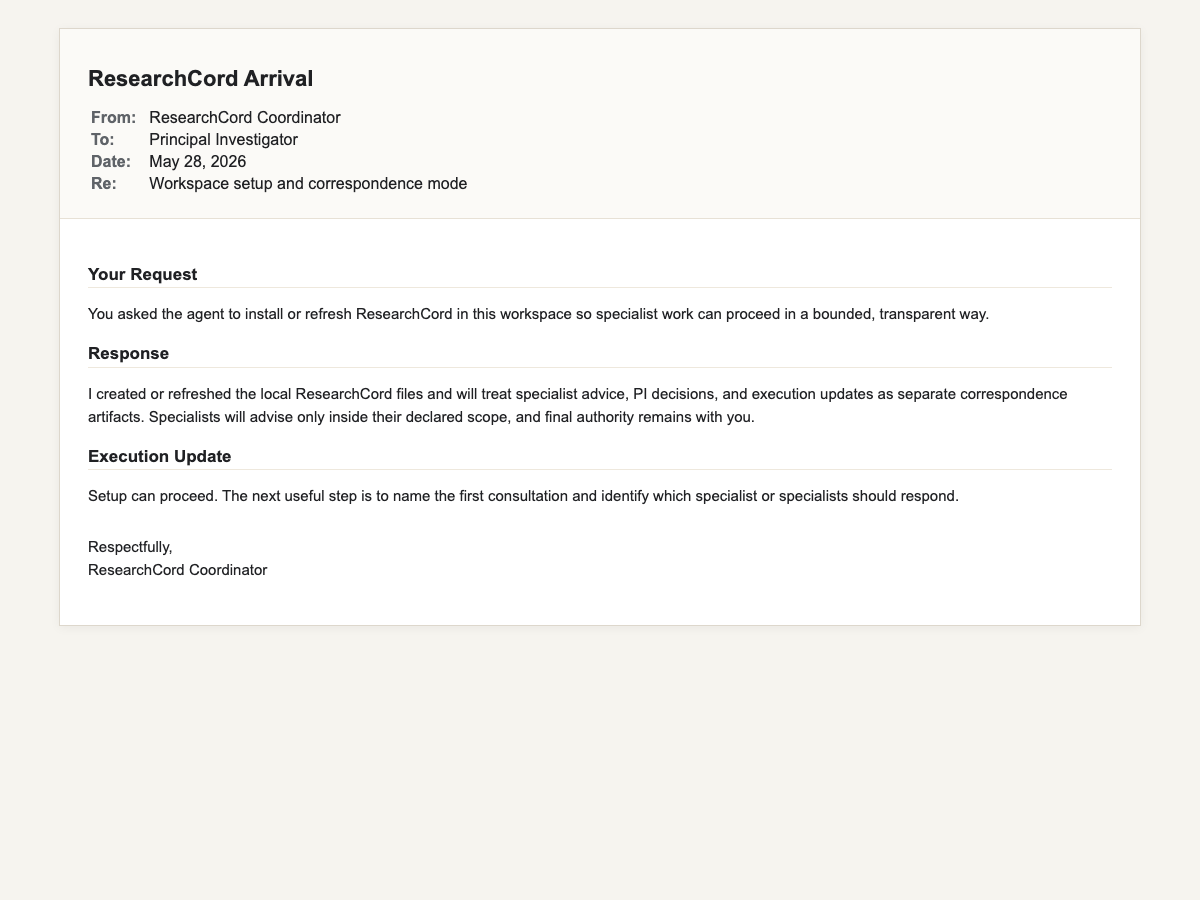
What the record gives you
ResearchCord correspondence keeps the reasoning visible in a browser-readable file.
- The question you asked
- Advice from the responsible specialist
- Your decision or requested change
- The later execution update
Ready to try the example?
Open the builder, choose the paper starting point, and review the suggested team before changing anything.