Build a starter team
Use a preset as a reasonable starting point, then adjust individual specialists before generating a handoff file.
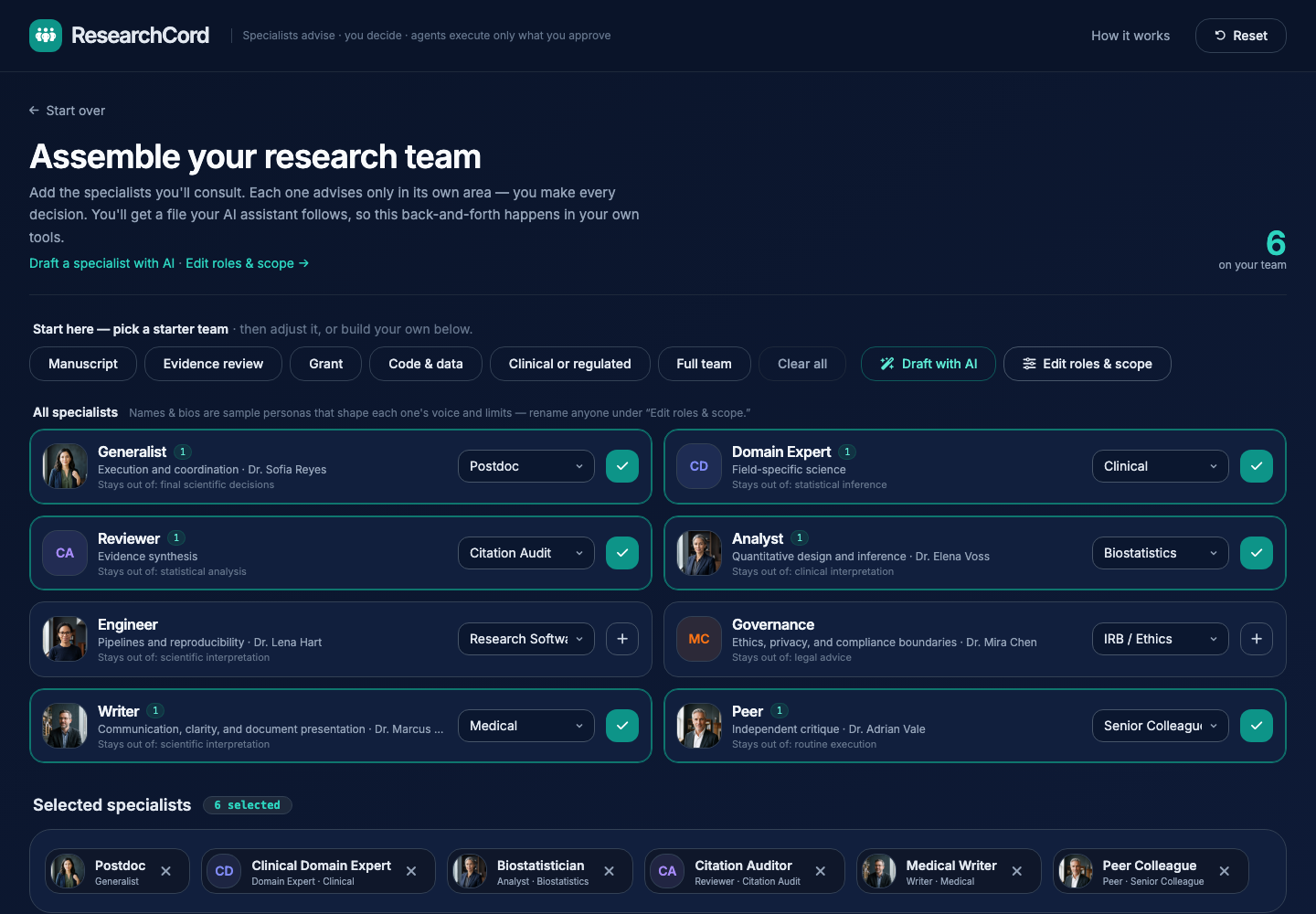
1. Choose the closest starting point.
For a paper or final report, choose Manuscript. For grants, regulated work, code, or evidence review, use the matching preset.
2. Check the selected specialists.
The tray at the bottom shows who is on the team. Each row also shows the active specialization for that archetype.
3. Adjust without changing the model.
Use the dropdowns or plus buttons to swap roles. The boundaries and hard limits stay visible so the team remains scoped.